Course Detail
Desktop Publishing

Desktop publishing students learn how to design pages for Web and print publication. Desktop publishing software can generate layouts and produce typographic-quality text and images comparable to traditional typography and printing. It is also the main reference for digital typography.
2. Introduction to Desktop Publishing:
Understanding the basics of DTP, including its history, principles, and common applications.
3. Typography:
Learning about fonts, typefaces, font families, font styles, and typographic principles for effective communication and design.4. Image Editing:
Basic image editing techniques using software like Adobe Photoshop or GIMP, including cropping, resizing, retouching, Color correction, and image manipulation.5. Module 1: Basics
Typing (English, Punjabi, Hindi), MS-Paint, MS-Word, MS-PowerPoint, MS-Excel6. Module 2: Advanced
Internet, Gmail, YouTube, Ticket Booking, Facebook, Google Map, Shopping Websites.7.Module 3: Graphic Designing
Adobe Photoshop, Corel Draw, Adobe illustrator, Adobe InDesignRelated Courses

DCA
Diploma in Computer Aplications
Duration: 06 months
4.5
(250)
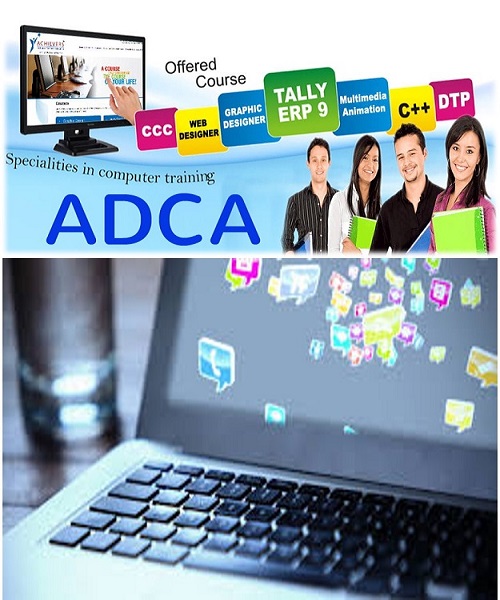
ADCA
Advanced Diploma in Computer Applications
Duration: 01 Year
4.5
(250)

Computer Based Accounting
Duration: 03 months
4.5
(250)
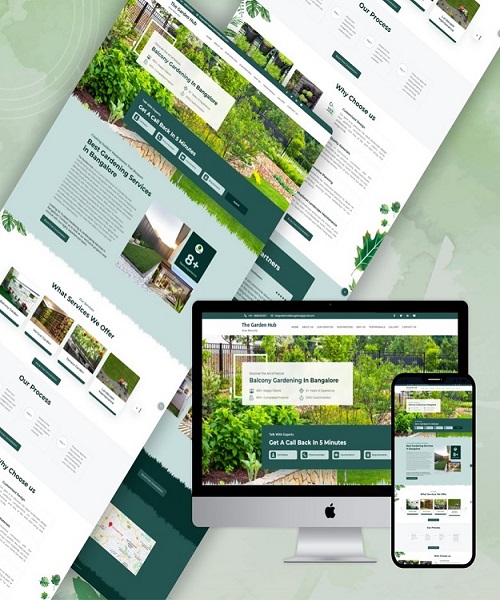
Web design & development
Duration: 06 months
4.5
(250)
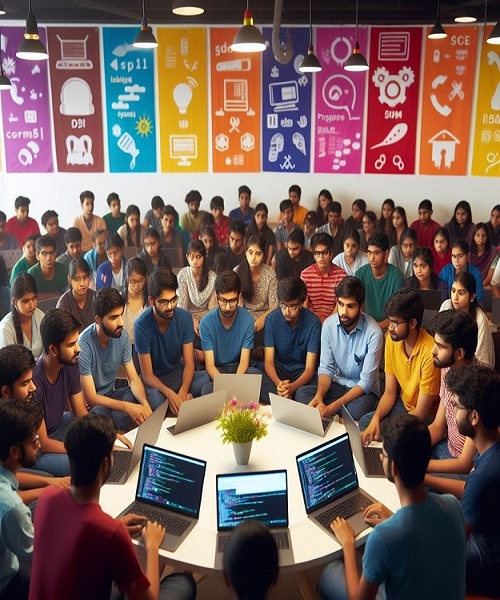
Learn Coding
C/C++, PHP, JAVA, PyThon
Duration: 06 months
4.5
(250)
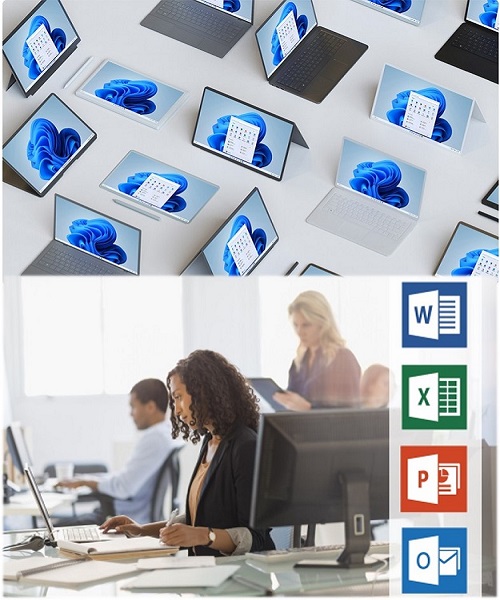
COMPUTER BASICS
Duration: 03 months
4.5
(250)


