Course Detail
Advanced Diploma in Computer Applications

Introduction to Computers:
This section covers the basic concepts of what a computer is, its components, and how it works. It might include topics like hardware vs. software, input vs. output devices, and the basic functions of a computer.
Module 1: Basics
Typing (English, Punjabi, Hindi), MS-Paint, MS-Word, MS-PowerPoint, MS-Excel
Module 2: Advanced
Internet, Gmail, YouTube, Ticket Booking, Facebook, Google Map, Shopping Websites.
Module 3: Accounting
Tally with GST, Invoice Software, Online Accounting SoftwareModule 4: Graphic Designing
Adobe Photoshop, Corel Draw, Adobe illustrator, Adobe InDesignModule 5: Featured Course
C language, C++, JAVA, Python (according to choice of students)
Module 6:
Computer Security and Privacy:
This section covers best practices for keeping your computer and personal information safe online, including topics like creating strong passwords, recognizing phishing attempts, and using antivirus software.Basic Troubleshooting:
You'll learn some basic troubleshooting techniques for common computer problems, like how to deal with frozen programs, slow performance, or error messages.Introduction to Hardware:
This may include basic hardware components like the CPU, RAM, hard drive, and peripherals, and how to connect and use them with your computer.Related Courses

DCA
Diploma in Computer Aplications
Duration: 06 months
4.5
(250)

ADCA
Advanced Diploma in Computer Applications
Duration: 01 Year
4.5
(250)

Computer Based Accounting
Duration: 03 months
4.5
(250)
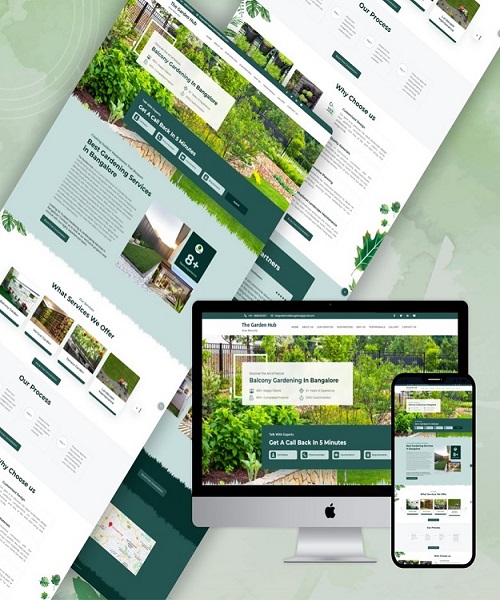
Web design & development
Duration: 06 months
4.5
(250)
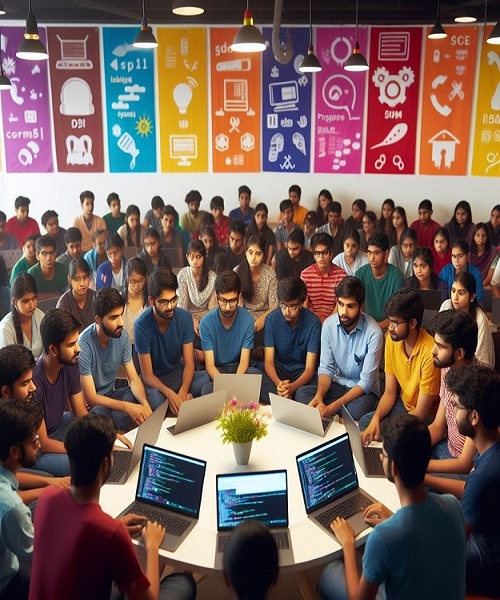
Learn Coding
C/C++, PHP, JAVA, PyThon
Duration: 06 months
4.5
(250)
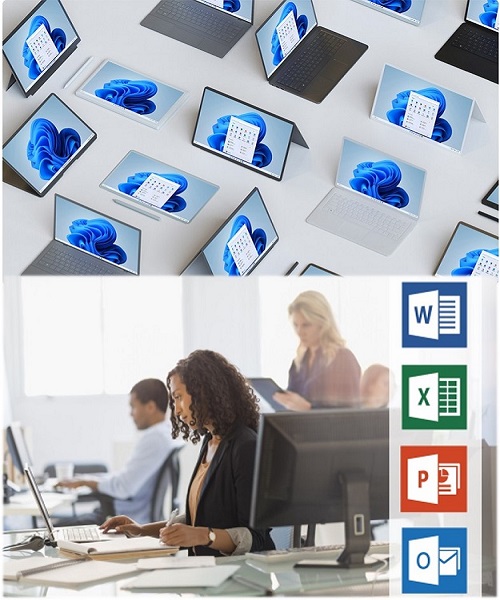
COMPUTER BASICS
Duration: 03 months
4.5
(250)


