Course Detail
Certificate Course in Computer Concepts
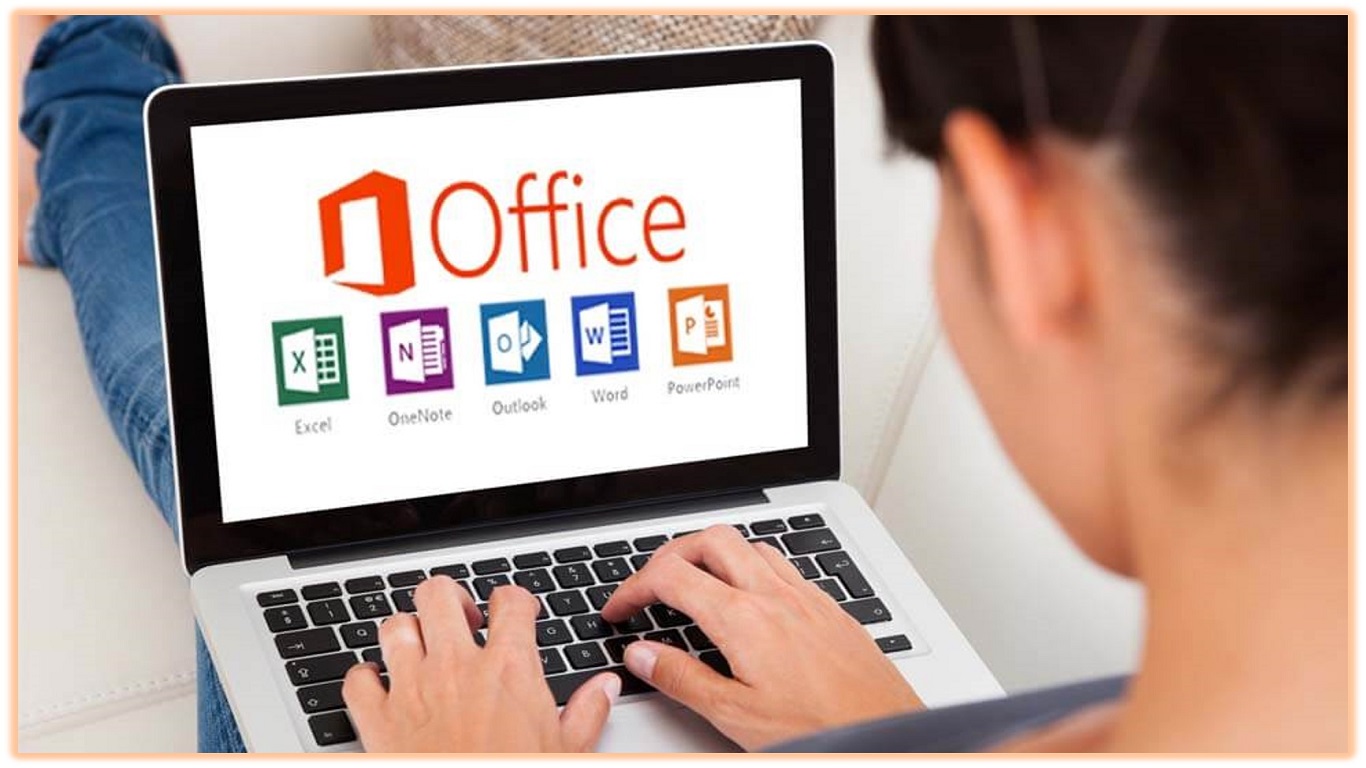
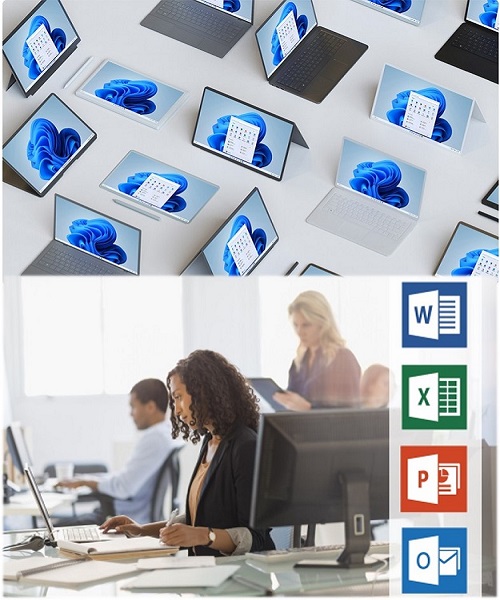
- Introduction to Computers: This section covers the basic concepts of what a computer is, its components, and how it works. It might include topics like hardware vs. software, input vs. output devices, and the basic functions of a computer.
- Operating Systems: Here, you'll learn about different operating systems (like Windows, macOS, and Linux), how to navigate their interfaces, manage files and folders, and perform basic system tasks.
- Word Processing: This typically involves learning how to use a word processing software (such as Microsoft Word or Google Docs) to create, format, and edit documents. You might learn about formatting text,inserting images, creating tables, and using other features like spell check and word count.
- Spreadsheets: In this section, you'll learn how to use spreadsheet software (like Microsoft Excel or Google Sheets) to organize and analyse data. Topics might include entering data, creating formulas and functions, formatting cells, and creating charts.
- Internet Basics: This covers the basics of how the internet works, how to use a web browser effectively, and important concepts like web addresses (URLs), search engines, and internet safety.
- Email: You'll learn how to set up and use an email account, compose and send emails, manage your inbox, and use email features like attachments and folders.
- Computer Security and Privacy: This section covers best practices for keeping your computer and personal information safe online, including topics like creating strong passwords, recognizing phishing attempts, and using antivirus software.
- Basic Troubleshooting: You'll learn some basic troubleshooting techniques for common computer problems, like how to deal with frozen programs, slow performance, or error messages.
- Introduction to Hardware: This may include basic hardware components like the CPU, RAM, hard drive, and peripherals, and how to connect and use them with your computer.
- Introduction to Software Applications: This might include an overview of different types of software applications, such as productivity software, graphics software, and multimedia software, and how to use them for various tasks.
Related Courses

DCA
Diploma in Computer Aplications
Duration: 06 months
4.5
(250)
ADCA
Advanced Diploma in Computer Applications
Duration: 01 Year
4.5
(250)
Computer Based Accounting
Duration: 03 months
4.5
(250)
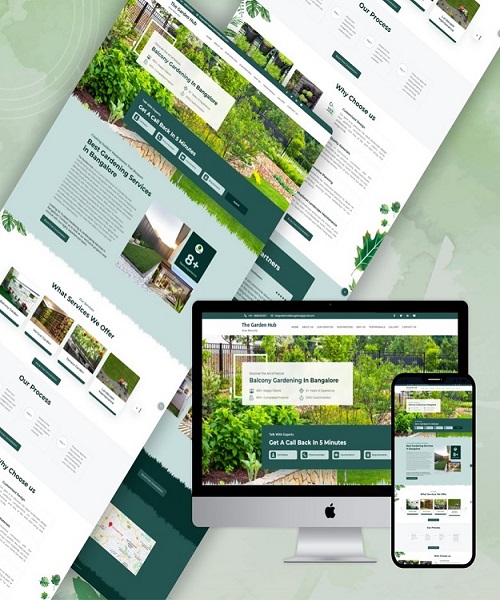
Web design & development
Duration: 06 months
4.5
(250)
Learn Coding
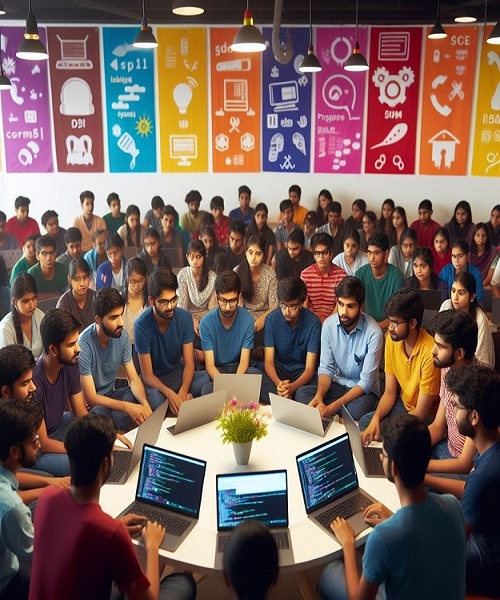
C/C++, PHP, JAVA, PyThon
Duration: 06 months
4.5
(250)
COMPUTER BASICS
Duration: 03 months
4.5
(250)


